


Windows PC · Independent game guide
Dying Light Games in Order: A Windows PC Guide
For a clear introduction, start with Dying Light, continue into The Following expansion, then play Dying Light 2: Stay Human and Dying Light: The Beast. This is a recommended play order, not a required install sequence.
Quick answer
For a clear introduction, start with Dying Light, continue into The Following expansion, then play Dying Light 2: Stay Human and Dying Light: The Beast. This is a recommended play order, not a required install sequence.
Start in Harran
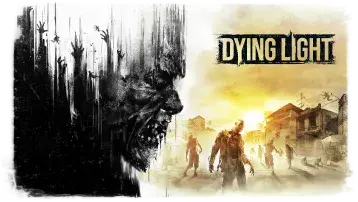
The original Dying Light introduces Kyle Crane, its parkour-combat loop and the tension of day-night survival. The Following expands this storyline with a different setting and mechanics.
Move to Villedor
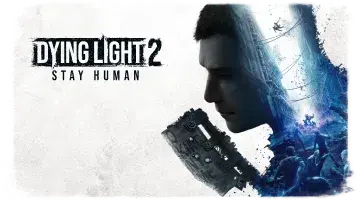
Dying Light 2 follows Aiden Caldwell and is accessible without perfect knowledge of the first game. Its core appeal includes traversal, factions and decisions in Villedor.
Return to Kyle Crane
The Beast is a standalone adventure set around Castor Woods and Kyle Crane. It benefits from familiarity with the first game without forcing you to own it.
Which game first for newcomers?
Choose Dying Light for series roots and atmospheric survival, Dying Light 2 for urban movement and branching narrative systems, or The Beast if its standalone premise appeals to you.
PC ownership
A purchase of one game does not necessarily provide licenses to the others. Check each storefront listing for what is included.
Dying Light games and their Windows release dates
The original Dying Light game debuted on Windows on January 27, 2015. The sequel Dying Light 2 Stay Human followed on February 4, 2022. This is the order of release, not a requirement to own both games.
Compare dates and editions in our Windows PC release timeline.
Frequently asked questions
Can I use this guide on Windows 11?
This page focuses on Windows PC. Individual requirements and results depend on your owned game version and hardware.
Is this an official Dying Light support page?
No. It is an independent informational guide. Consult Techland or your licensed PC client for official support.
Sources and editorial notes
Game features and product information are referenced against public developer materials. This article contains practical guidance, not the results of a hardware benchmark.